
Roo Code setup
Roo Code supports OpenAI Compatible. To connect it to SU8 Codes, fill in the matching fields.
Installation
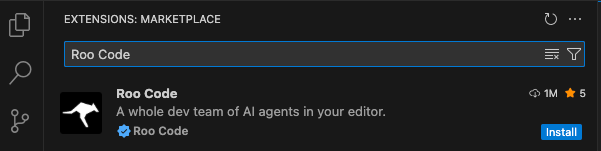
Open VS Code, search for Roo Code in the extension marketplace, and install it.
Configure the tool
After installation, fill in:
- API Provider: OpenAI Compatible
- Base URL:
https://www.su8.codes/v1 - API Key:
<your SU8 Codes API Key> - Model:
<model name>(copy one from Models and channels)
After configuration, use this page for the fastest self-check:
If there is an error, follow this page: